Disclosure: Some links in this article are affiliate links. If you purchase through them, we may earn a small commission at no extra cost to you.
Most DAW roundups treat lofi like an afterthought — a single bullet at the bottom of a generic "best music software" list. But lofi production has specific workflow requirements those lists ignore: fast sample chopping, intuitive drum programming, easy routing for the tape and vinyl effects that define the sound.
Here's the honest truth: any competent DAW can make lofi beats. But the right one removes enough friction that you actually finish tracks instead of fighting your tools. This guide covers the five DAWs producers genuinely use for lofi — what each does well, where it falls short, and which workflow it fits best.
Key Takeaways
- Ableton Live and FL Studio dominate lofi production — recommended above all others across Reddit's r/LofiHipHop and r/WeAreTheMusicMakers communities (2026)
- Logic Pro at $199 one-time is the unchallenged Mac pick — built-in vintage instruments included at no extra cost
- GarageBand (Mac) and Cakewalk by BandLab (Windows) are both free and fully capable of professional lofi production
- The lofi sound comes from plugins and sample selection, not the DAW brand
- Your workflow style — pattern-based vs. loop-based — matters more than specs when choosing
Does the DAW You Choose Actually Matter for Lofi Beats?
ModeAudio's 2026 production guide "How to Produce a LoFi Sound in Any DAW" puts it plainly: lofi texture comes from swing and groove settings, tape and vinyl plugins, and sample selection — not the software you open. Producer communities on Reddit echo this consistently. Any modern DAW can produce lofi. That's the honest starting point.
But "any DAW works" doesn't mean every DAW works equally well for you. The wrong tool adds friction to every session. Producers who release the most tracks aren't using a magic DAW — they're using a workflow that gets out of the way fast enough that music actually gets finished.
What lofi needs from a DAW is a short list: solid audio and MIDI editing with low latency, easy drum programming, strong VST or AU plugin support, and sample chopping tools. What it doesn't need: complex surround routing, 256 tracks, or audio post features built for film scoring. Keep that in mind when you see feature comparisons padded with things lofi producers will never touch.
Is Ableton Live the Best DAW for Lofi Beats?
In 2026, Ableton Live is the most consistently recommended DAW for lofi across Reddit's r/LofiHipHop community, and the reason comes down to one feature: Session View. Session View is a grid-based interface where you launch audio clips independently of a linear timeline — which maps directly onto how lofi beats are built. Loop a chord progression, layer a drum pattern, drop in a vinyl texture sample. Lofi production often starts from feel rather than structure, and Ableton's interface suits that instinct better than anything else on this list.
For sample-based workflows, Ableton ships with two dedicated sampling instruments. Simpler handles quick sample-to-instrument conversion in under 30 seconds. Sampler handles advanced multi-sampling with deeper modulation when you need it. The "Slice to MIDI" function converts any audio file into individually triggered slices mapped across a keyboard — your sample chops become a playable instrument the moment you drop the file in.
Audio warping is the other lofi-specific feature worth knowing. Stretch a sample without pitch artifacts, time-sync loops from different sources, slow a guitar recording down for that hazy texture — all in real time. And Max for Live adds a community library of free devices built specifically for tape degradation, vinyl noise, and lo-fi signal processing that extends Ableton's stock tools without paid plugins.
Around 2011, I picked up an Akai MPK Mini — it came bundled with Ableton Lite. I'll be honest: I opened the empty Live Set, stared at it, and felt completely lost. Tutorials weren't what they are today on YouTube, and I never got to the point of actually making music with it. I shelved it.
Years later I came back, and this time YouTube made all the difference. What finally clicked wasn't any single feature — it was organization. Ableton's browser puts everything you need (samples, instruments, effects, presets) in one place, accessible in seconds. Once I understood how Ableton thinks about a session, Logic and FL Studio started making sense too. The concepts transfer. Most DAWs are heading to the same finish line; they just take different roads to get there. I use Ableton for most of my projects — but when I need my lofi to hit a little harder and want a track done in minutes, I spin up FL Studio.
Ableton Live's Session View and audio warping tools make it the top pick for loop-based and sample-driven lofi production. Community consensus across r/LofiHipHop and ModeAudio's 2026 production guide consistently ranks it first for producers who build from samples rather than synthesized sounds.
The drawback is price. Ableton's Intro tier ($99) limits you to eight tracks and a reduced effects set — enough to sketch ideas, not enough to finish a real session. Standard ($449) is where lofi producers need to land. Suite ($749) adds the complete Max for Live library and every Ableton instrument, worth it if you produce across multiple genres.
For the plugins that make Ableton sessions sound genuinely lofi, see our guide to the best paid lofi plugins — all of which run in Ableton without extra steps.
FL Studio — Best for Pattern-Based Lofi Beats
FL Studio's step sequencer is the fastest way to program lofi drum patterns available in any DAW, according to producers on r/WeAreTheMusicMakers in 2026. The pattern-based workflow — build a drum groove in the step sequencer, add a chord loop in the Piano Roll, layer samples in separate patterns, arrange them in the Playlist view — matches how most lofi tracks are mentally constructed. Image-Line's lifetime free updates policy means a Producer Edition purchase at approximately $199 stays current indefinitely. No subscription. No upgrade fees.
Slicex is FL Studio's dedicated sample chopper. Load any audio file and Slicex automatically detects beats and transients, places slice markers, and maps each slice to a MIDI note. Your sample chops become a playable instrument in roughly the same time it takes to drag the file in. For producers working primarily from sample packs, this is the fastest path from "I have this sample" to "this sample is playing in my beat."
The Piano Roll is consistently rated the most capable in any DAW for programming melodies and chord progressions. Lofi's characteristically simple, repeating chord loops are exactly what it handles fastest. Stack that with the built-in bitcrusher, parametric EQ, and basic tape-style saturation in FL's stock effects, and the core lofi toolkit is covered before you open a single third-party plugin.
Here's the real distinction between FL Studio and Ableton that most comparisons skip: it's about how you hear music before you make it. If you mentally start with a drum pattern — kick on 1 and 3, snare on 2 and 4, hi-hat every other step — FL Studio's step sequencer feels natural from the first session. If you think in loops and textures you want to layer and improvise, Ableton's Session View fits better. Neither answer is wrong. But picking the wrong one means fighting your own instincts every time you open a project.
That's a real distinction for me personally. Ableton is my main DAW, but when I need lofi with more punch and want to move fast, FL is where I go. The step sequencer gets a groove locked in before I've had time to overthink it.
FL Studio's one weakness for lofi is live audio recording. Tracking live guitar, vocals, or hardware synths feels clunkier than in Ableton or Logic. If your lofi includes recorded live instruments alongside sampled material, that friction is worth factoring into your decision.
FL Studio's step sequencer and lifetime free updates policy make it a strong pick for pattern-driven lofi production. The Producer Edition at approximately $199 (Image-Line, 2026) includes Slicex for sample chopping, a Piano Roll praised across producer communities, and perpetual updates with no subscription required.
Is Logic Pro Worth $199 for Mac Lofi Producers?
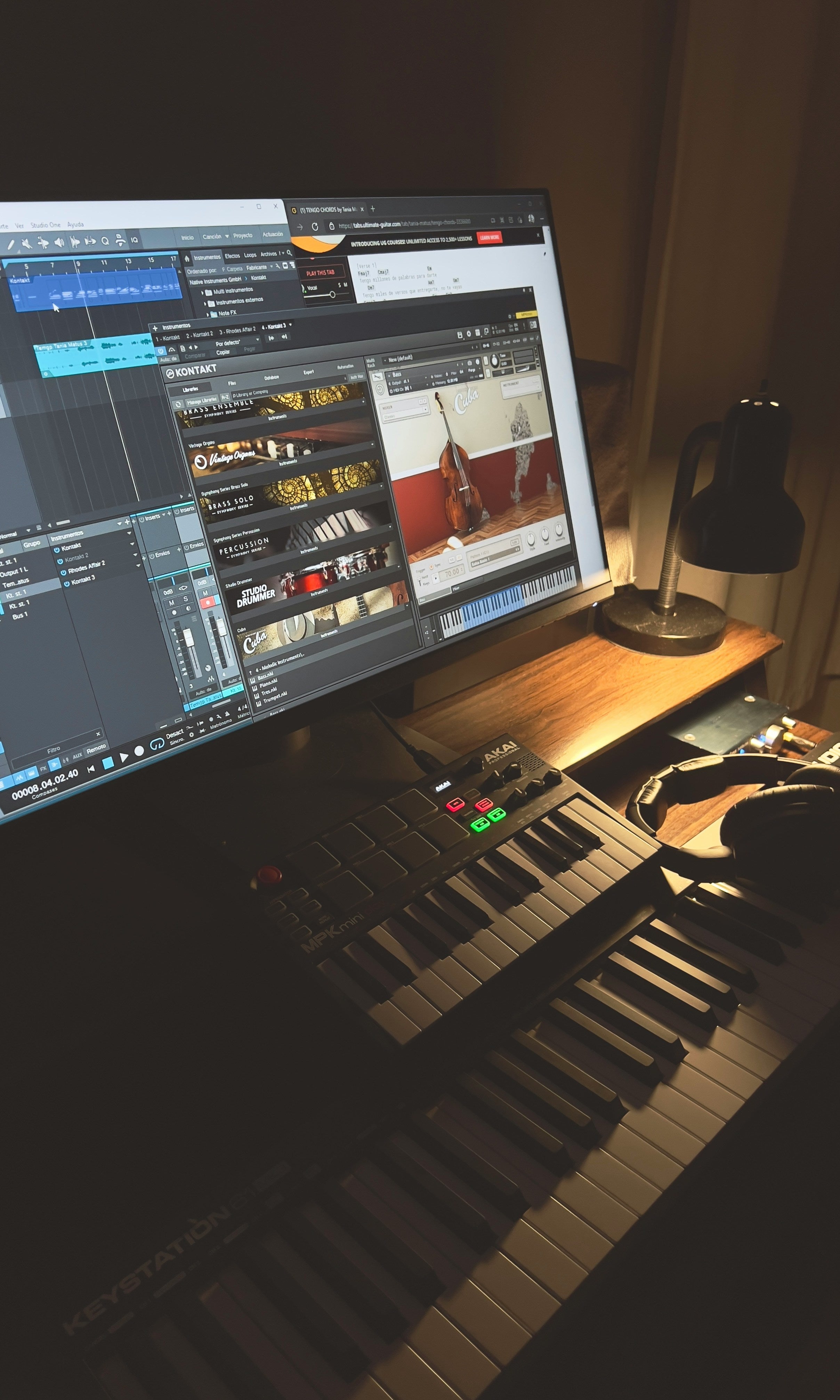
Logic Pro is the default pick for Mac-based lofi producers who want a complete professional DAW without subscription costs. At a one-time price of $199 (Apple App Store, 2026), it includes built-in vintage instruments — a Mellotron, electric piano, and vintage organ emulation — that lofi producers would otherwise spend hundreds acquiring separately. It's the most complete out-of-the-box package on this list, and the only one where the stock instruments actually cover the core sounds of the genre.
The built-in Drummer tracks deserve mention for lofi specifically. Logic's Drummer generates AI-driven drum performances that respond to your session's tempo and feel. For lofi, dial back the velocity, increase swing, and you have a human-feeling drum track without programming every hit. It won't replace intentional drum design, but it's a fast starting point when you want something breathing under your chords.
Logic's stock effects include tape delay, vintage console emulations, and a solid multiband compressor. Pair those with the Apple Loops library — thousands of royalty-free loops that lean jazz, acoustic, and ambient — and you can produce a complete lofi track using only built-in tools. That's a real advantage for producers just getting started. When you're ready to go beyond the stock effects, our guide to the best lofi plugins covers every third-party option that pairs well with Logic.
Logic Pro offers a one-time purchase of $199 (Apple App Store, 2026) with built-in vintage instruments — Mellotron and electric piano emulations among them — that cover the core sound sources of lofi without additional plugin costs. For Mac-only producers, it's the clearest value proposition on this list.
One hard limit: Logic is Mac-only. No Windows version exists. If you're on Windows, Logic isn't an option regardless of budget — skip straight to FL Studio or Cakewalk.
Free DAW Options That Actually Work for Lofi
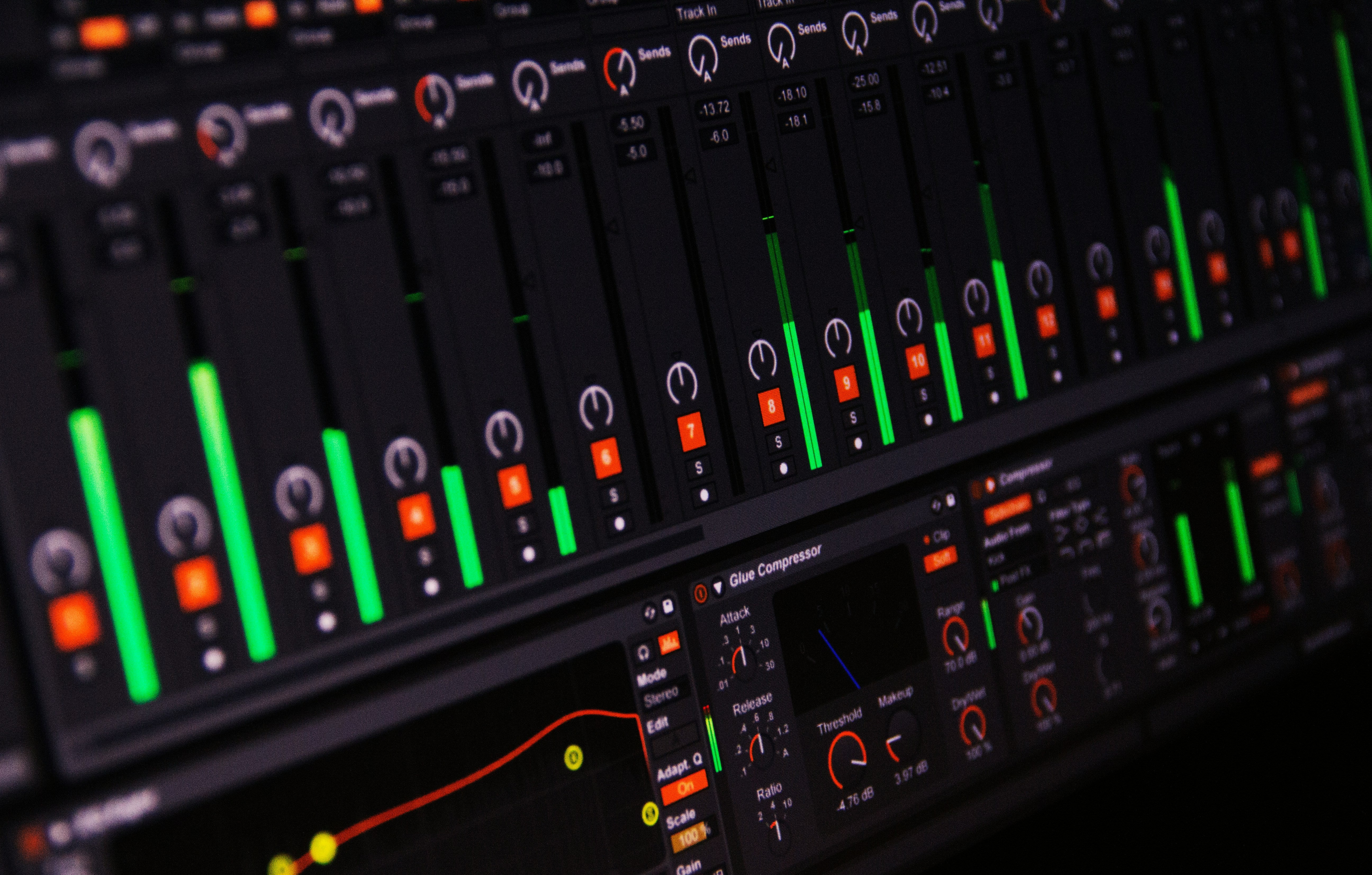
Two free DAWs consistently appear in beginner lofi production guides, and both earn their place. GarageBand for Mac users and Cakewalk by BandLab for Windows users aren't lite versions or feature-stripped trials — they're full production environments at zero cost, and they run every third-party lofi plugin you'd use in a paid DAW.
GarageBand (Mac — Free)
GarageBand runs the same audio engine as Logic Pro and shares its project format directly. A GarageBand session opens in Logic Pro without conversion when you're ready to upgrade. That path matters: the workflow you build in GarageBand carries forward. You don't start over. For lofi, it handles VST and AU plugin loading, sample import, and basic MIDI sequencing competently. Smart Drummer offers tap-based drum programming that's faster for beginners than grid programming. The main limitation is less precise MIDI editing than Logic, and fewer track types — but for lofi, which doesn't demand complex MIDI arrangements, it's plenty.
Cakewalk by BandLab (Windows — Free)
Cakewalk was a $500 professional DAW before BandLab acquired it and made it free in 2018 — and it remains free today (BandLab, 2026). Unlimited tracks, no feature locks, full VST plugin support. The complete professional feature set costs nothing. For Windows-based lofi producers starting out, it's the strongest recommendation on this list. The interface looks dated compared to FL Studio or Ableton, and that's worth knowing upfront. But dated aesthetic aside, it runs every lofi plugin without limitation and has decades of tutorial content built up from its paid-software years.
One angle worth stating plainly: if you're working from premium sample packs rather than building sounds from scratch, your DAW choice matters even less than usual. The character is already in the samples. What you need is a DAW that loads samples quickly and has a comfortable chopping workflow. Both GarageBand and Cakewalk clear that bar. Don't let "free" make you assume the results will sound amateur — they won't.
GarageBand and Cakewalk by BandLab are both free and fully capable of professional lofi production. GarageBand shares Logic Pro's audio engine and opens in Logic without conversion when you upgrade. Cakewalk was a $500 professional DAW before BandLab made it free in 2018 — both support the full range of third-party lofi plugins with no feature restrictions.
Which DAW Fits Your Lofi Workflow?
Three questions narrow this to one pick faster than any spec sheet. Answer them honestly and the right DAW becomes obvious: What OS are you on? What's your budget? Do you build beats from patterns or from loops and samples?
| If you... | Best pick | Key reason |
|---|---|---|
| Build from samples and loops | Ableton Live | Session View + Slice to MIDI |
| Think in drum patterns first | FL Studio | Step sequencer + Slicex |
| On Mac, want built-in vintage sounds | Logic Pro | Complete at $199, no extras needed |
| On Mac with zero budget | GarageBand | Free, same engine as Logic |
| On Windows with zero budget | Cakewalk by BandLab | Full pro DAW, actually free |
What Lofi Plugins Work in Any of These DAWs?
Every DAW on this list supports the same third-party lofi plugin ecosystem. Your software choice shapes workflow; plugins shape sound. The tape emulators, vinyl noise generators, and bitcrushers that define lofi run identically whether you're in Ableton, FL Studio, Logic, GarageBand, or Cakewalk.
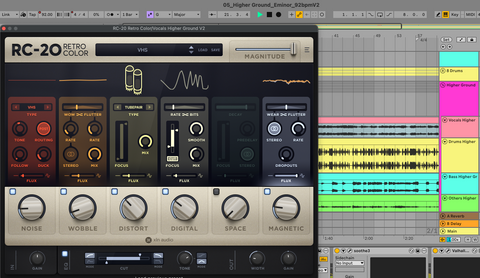
The most-used lofi plugin categories: tape emulation (RC-20 Retro Color, Tape MELLO-FI, the free Chow Tape Model), vinyl noise and degradation (iZotope Vinyl is free and still excellent, Vinyl Strip), bitcrushers (Decimort 2, Super VHS), and all-in-one lofi processors (SketchCassette II). None are DAW-specific. They work in whatever you're running.
For a full breakdown of which lofi plugins are worth the money — and which are skippable — our guide to the best paid lofi plugins covers every category with honest takes.
Fill Your DAW With Premium Lofi and R&B Samples
Deep Space R&B Vol. 1 drops straight into any DAW on this list — Ableton, FL Studio, Logic, GarageBand, or Cakewalk. 100% royalty-free. Ready to chop.
Explore Deep Space R&B Vol. 1Frequently Asked Questions
What DAW do most lofi producers use?
Based on community discussions across Reddit's r/LofiHipHop and r/WeAreTheMusicMakers in 2026, Ableton Live and FL Studio are the two most commonly used DAWs for lofi production. Logic Pro is the default for Mac-based producers. No single DAW dominates — workflow preference drives the choice more than any feature difference between them.
Can I make lofi beats on GarageBand?
Yes. GarageBand runs the same audio engine as Logic Pro, supports third-party AU plugins, and handles sample import cleanly. It's free for all Mac and iOS users. The main limitation is less precise MIDI editing than paid alternatives, but for lofi — which doesn't require complex MIDI work — it's fully capable of producing professional results.
Is FL Studio or Ableton better for lofi beats?
FL Studio suits pattern-based workflows where you start with a step-sequenced drum groove and build outward from it. Ableton suits loop-based workflows where you layer samples and capture ideas using Session View. Both produce identical-quality lofi output — the difference is in how each workflow feels during a session, not in the end result.
Do I need a paid DAW to make professional lofi beats?
No. GarageBand on Mac and Cakewalk by BandLab on Windows are both free and fully capable of professional lofi production. Cakewalk was a $500 paid DAW before BandLab made it free in 2018 (BandLab, 2026). Both support the full range of third-party lofi plugins and sample packs without any feature limitations.
The Bottom Line
Every DAW on this list gets you making lofi beats today. The choice comes down to three things: your operating system, your budget, and how you naturally think when you produce. Build from patterns? FL Studio. Build from loops and samples? Ableton. On Mac with a budget? Logic. On Mac for free? GarageBand. On Windows for free? Cakewalk.
What stays constant regardless of which DAW you pick: the lofi character comes from your sound sources and your effects chain. Start with quality samples and the right plugins, and the DAW becomes the least interesting part of the equation.
If you need samples that load cleanly into any of these DAWs — labeled, organized, and ready to chop — Deep Space R&B Vol. 1 is where we'd send you next. And for the plugin chain that makes any DAW sound lofi, our lofi plugins guide has you covered.
About the author: Mark Claiborne is a music producer and the founder of Embark Sounds. He has been using Ableton Live since 2011 and produces lofi, R&B, and soul-influenced beats. He uses Ableton for most projects and reaches for FL Studio when he needs lofi that hits harder and builds fast.